Net Mirror APK Download: Stream Movies & TV Shows on Any Device
Download NetMirror APK – Free
Streaming on iOS, PC & TV
|
Requirements |
Version |
Updated |
Size |
|
Category |
Downloads |
Developer |
Price |
All-in-One Streaming Platform for Easy Access to Entertainment
Are you tired of switching between different apps just to watch your favorite movies and TV shows? It can be frustrating to jump from one app to another in search of what you want. Today, everyone wants a simpler and faster way to enjoy entertainment without all the extra steps. This all-in-one streaming platform makes it easy by bringing together movies, TV shows, and digital content from different sources into one simple place.
You no longer need to waste time opening different apps. Everything you want to watch is now available in one easy-to-use platform.
Follow these 2 easy steps to install the NetMirror app on your Android mobile.
Step 1: Download the NetMirror app and install it on your device.
Before installing, turn on Install Unknown Apps from your phone settings:
Settings > Security and Privacy > Install Unknown Apps > Google Chrome > Allow
Step 2: Open the app and start using it.
Enjoy NetMirror on your phone or tablet anytime, anywhere.
Follow these 3 easy steps to install the DODO Webview app on your iOS (iPhone) mobile.
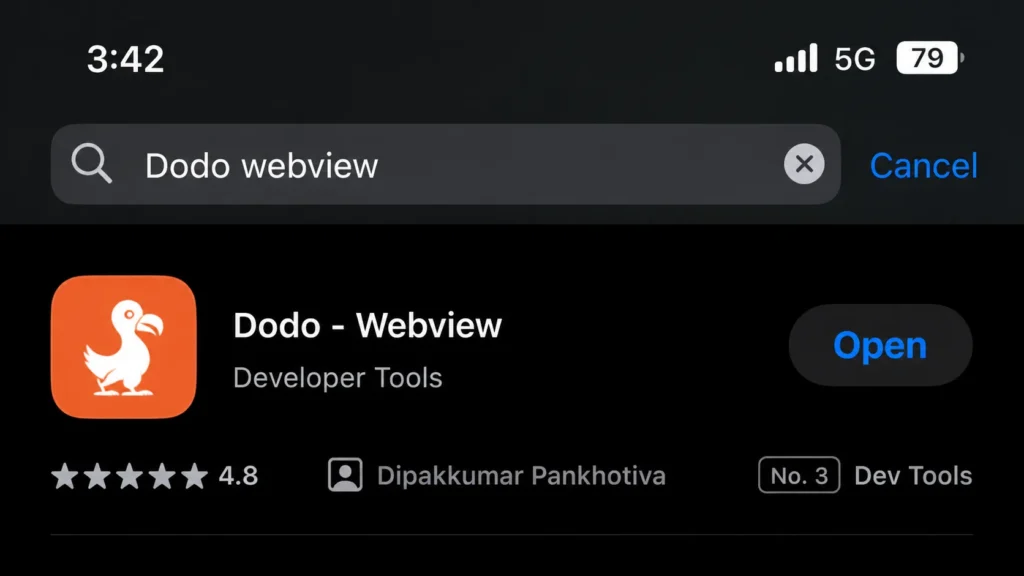
Step 1: Search for the DODO Webview app on the Apple App Store.
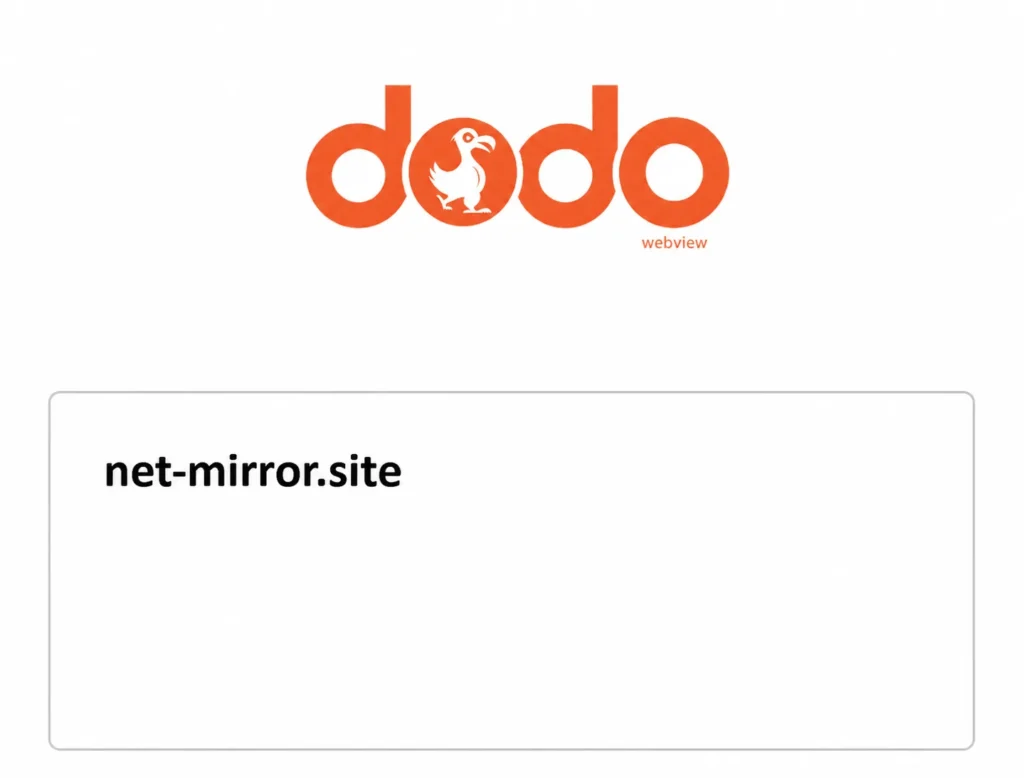
Step 2: Enter the site URL.
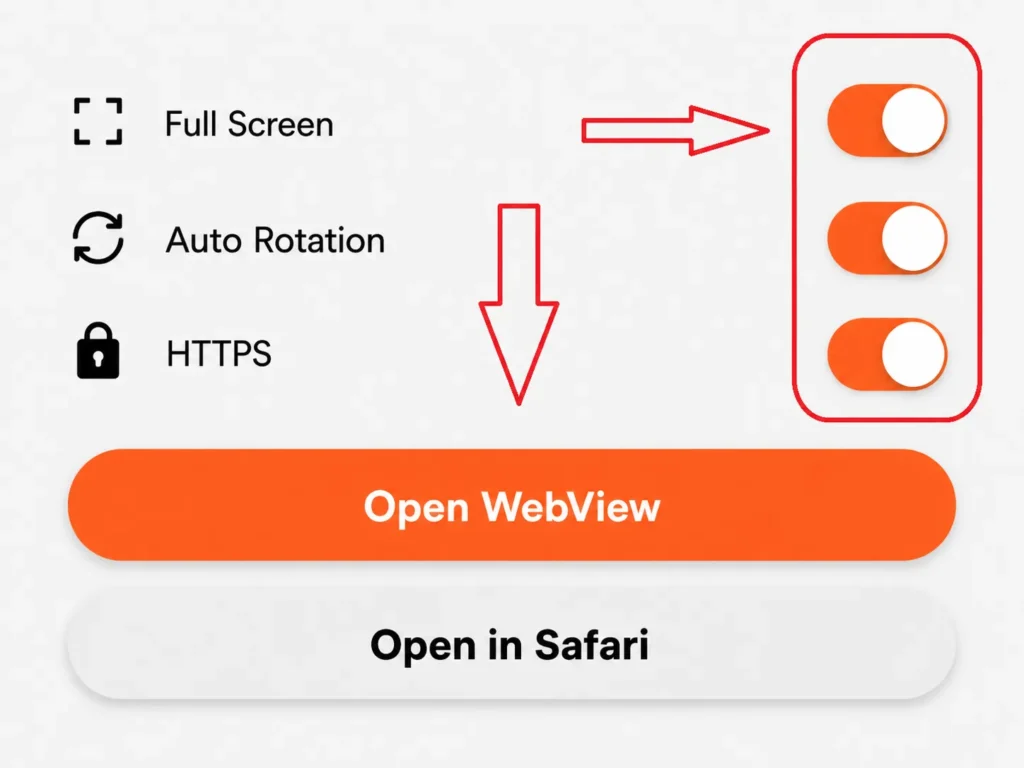
Step 3: Turn ON all 3 buttons and click on Open Webview.
NOTE: DODO Webview is a third-party app. We have no control over this app. It is only a webview app that opens our site, just like a browser.
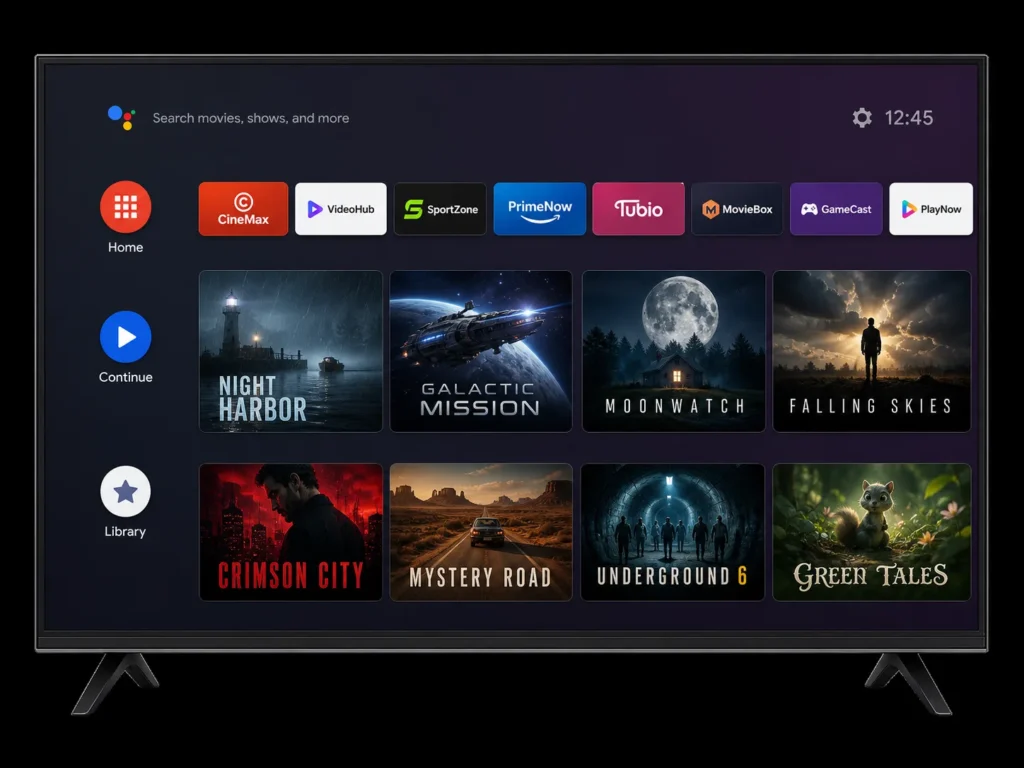
Download the Android TV APK.
We tested it on Android TV and Google TV.
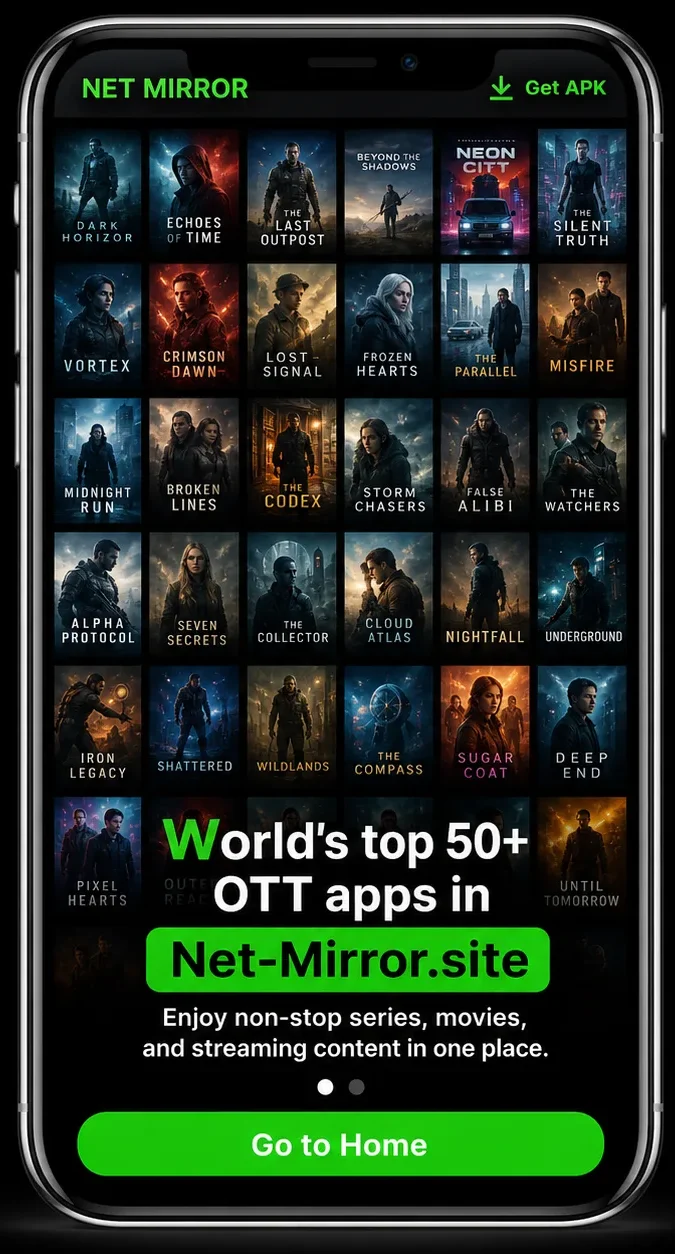
PC users can simply click on the Go To Home button to watch movies and series.
Use Google Chrome or Mozilla Firefox for better performance.
Additional Information of
|
App Name |
Net-Mirror App |
|
Latest Version |
v5.2927 |
|
File Size |
39 MB |
|
Released On |
Mar 10, 2023 |
|
Developer |
Net-Mirror |
|
Category |
Entertainment |
|
File Type |
APK / Web App |
|
Compatible With |
Android, iOS, PC & Smart TV |
|
Price |
Free Forever |
|
App Features |
No Ads, Free Streaming, HD Quality, Fast Loading |
|
Last Updated On |
February 11, 2026 |
|
Get It On |
The Latest Version |
What is NetMirror?
NetMirror is a modern entertainment app that lets you stream movies and TV shows directly to your favorite device, like Android or iOS. It brings high-quality video content from different platforms all in one place. Unlike other streaming apps, NetMirror doesn’t ask for a login or subscription. Just open the app, choose what you want to watch, and start streaming in HD or 4K instantly.
Features of NetMirror APK
Watch Netflix Originals
NetMirror gives you access to popular Netflix Originals like Squid Game, Stranger Things, Wednesday, and Money Heist, all available to watch for free. These exciting shows, created by Netflix, can be streamed directly on the app.
Safe and Secure
This app is completely safe. It doesn’t ask for unnecessary permissions or collect your personal data, ensuring a secure and private streaming experience.
Content Download
You can easily download your favorite movies and shows to your phone for offline use. The app lets you download full-length content in high quality with smooth playback.
Content Recommendations
NetMirror suggests content based on your viewing habits. It recommends new movies and shows similar to what you’ve enjoyed, making it easy to discover more great entertainment.
Multi-Device Support
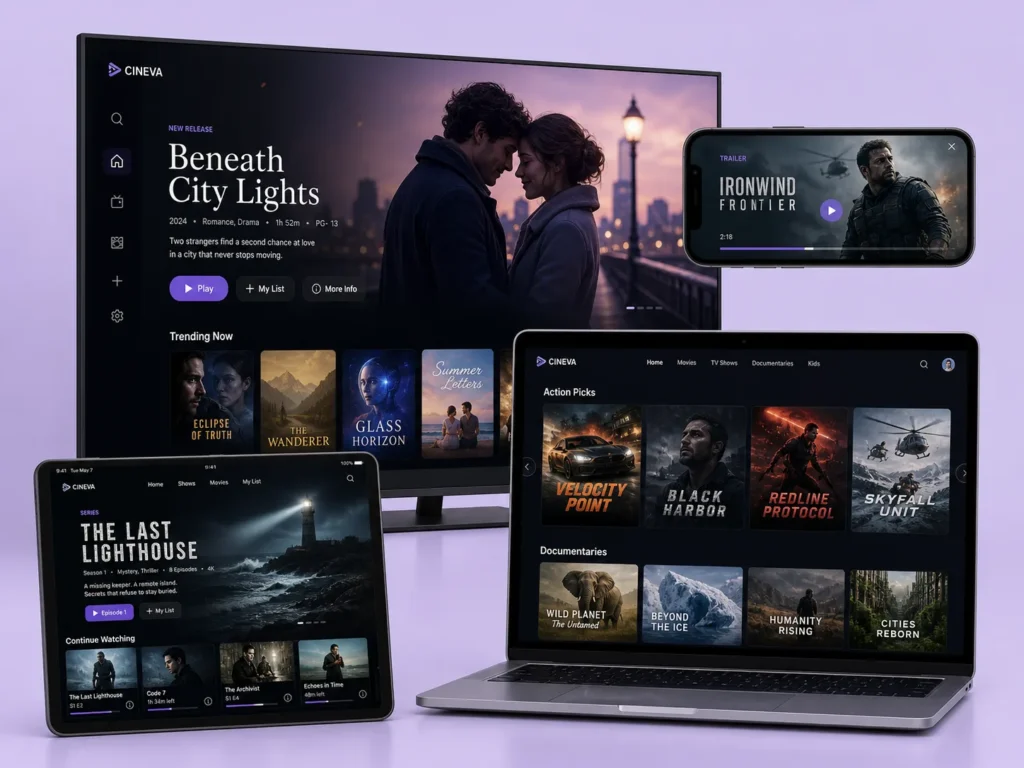
NetMirror works on Android phones, tablets, PCs, and smart TVs. You can switch between devices without losing your place, offering a seamless experience across all platforms.
Customized Profiles
NetMirror allows you to create personalized profiles. Each family member can have their own watch history, favorites, and recommendations tailored to their interests.
HD and 4K Streaming
Enjoy high-definition streaming with crisp, clear visuals. The app supports both HD and 4K playback, making your entertainment experience even better.
Why is Netflix Mirror so Popular?
Netflix Mirror is popular because it allows users to stream Netflix-like content for free, without ads or subscriptions. It offers a wide selection of movies and TV shows in HD quality, with quick loading times and a simple, easy-to-use interface that works on Android, iOS, PCs, and TVs.
Superior Video Quality
NetMirror APK provides stable and clear video quality. It focuses on delivering high-resolution videos for the best viewing experience, using the latest technology to meet users’ needs.
Premium Sound Quality
NetMirror APK offers clear and balanced sound for your favorite shows. It creates a cinematic experience, making your viewing even more enjoyable.
Interactive and Social Features
Enjoy free entertainment with no subscription fees. NetMirror lets you watch movies and TV shows without the cost, making it a perfect choice for users on a budget.
Non-Root Access
The app doesn’t require rooting, making installation easy and ensuring it’s safe to use on a variety of Android devices.
Incredible User-Friendly Interface
Both Netflix Mirror and NetMirror have an easy-to-use interface. The layout is clean, modern, and simple to navigate, even for beginners.
NetMirror’s New Features
NetMirror is packed with premium features that make it even more appealing and functional. Here are the standout features that make this app a must-have:
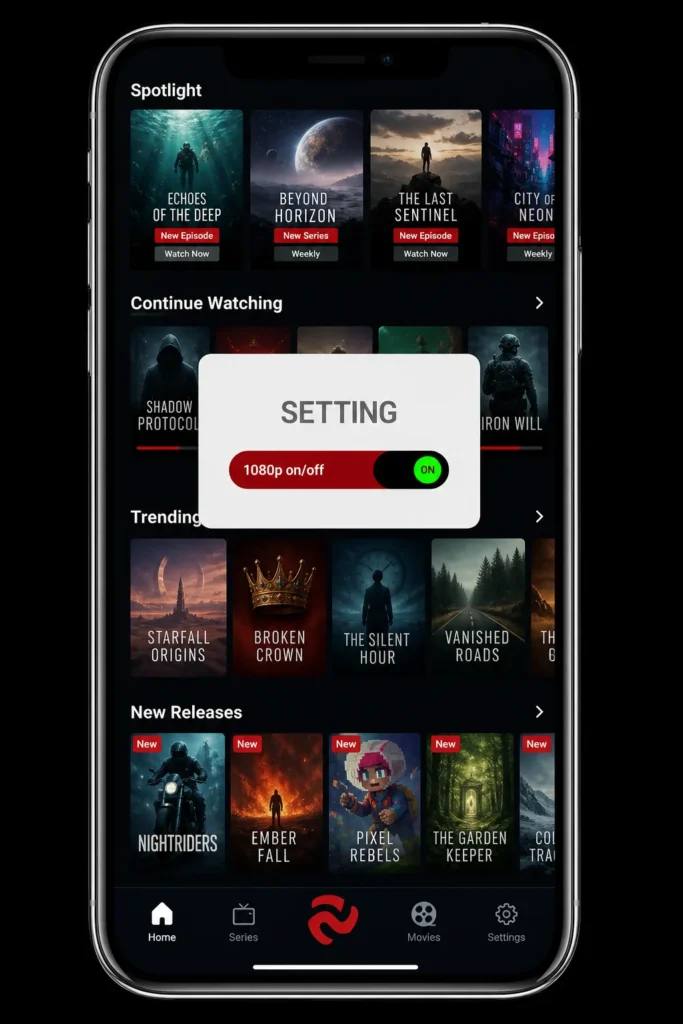
High-Quality Streaming
NetMirror doesn’t compromise on video quality. You can watch your favorite movies and shows in various resolutions, with options for HD and 4K streaming.
Whether you’re using a mobile device or watching on a large TV, the picture quality is always top-notch.
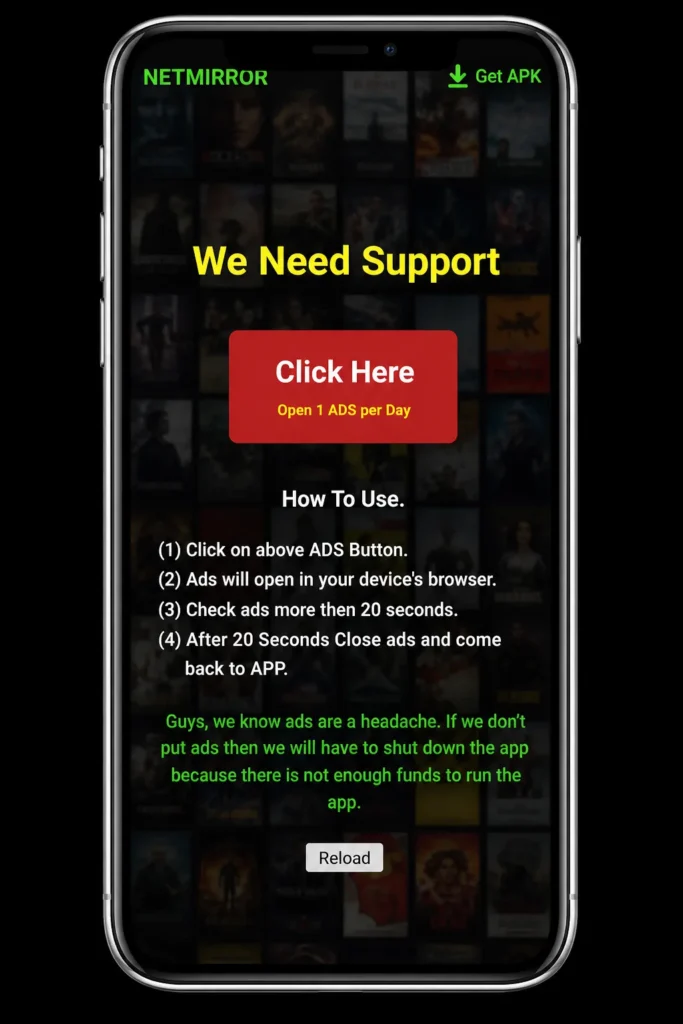
Ad-Free Experience
Enjoy watching your favorite content without any interruptions. NetMirror offers an ad-free environment, so you can stream without annoying ads or distractions.
Free Access to Premium Content
NetMirror lets you enjoy premium shows and movies from multiple platforms at no cost. You don’t need a subscription because this app is completely free for all users.
Offline Downloads
For users who want to watch content without an internet connection, the offline download feature is perfect. Download full movies, TV shows, and dramas, and enjoy them anytime, anywhere.
Multiple Languages
NetMirror is popular worldwide and supports many international languages like English, Hindi, Arabic, Indonesian, Portuguese, German, French, Dutch, and more. It also supports several Indian languages such as Marathi, Gujarati, and Punjabi. Users can easily switch to their preferred language and enjoy content with the voiceover in that language.
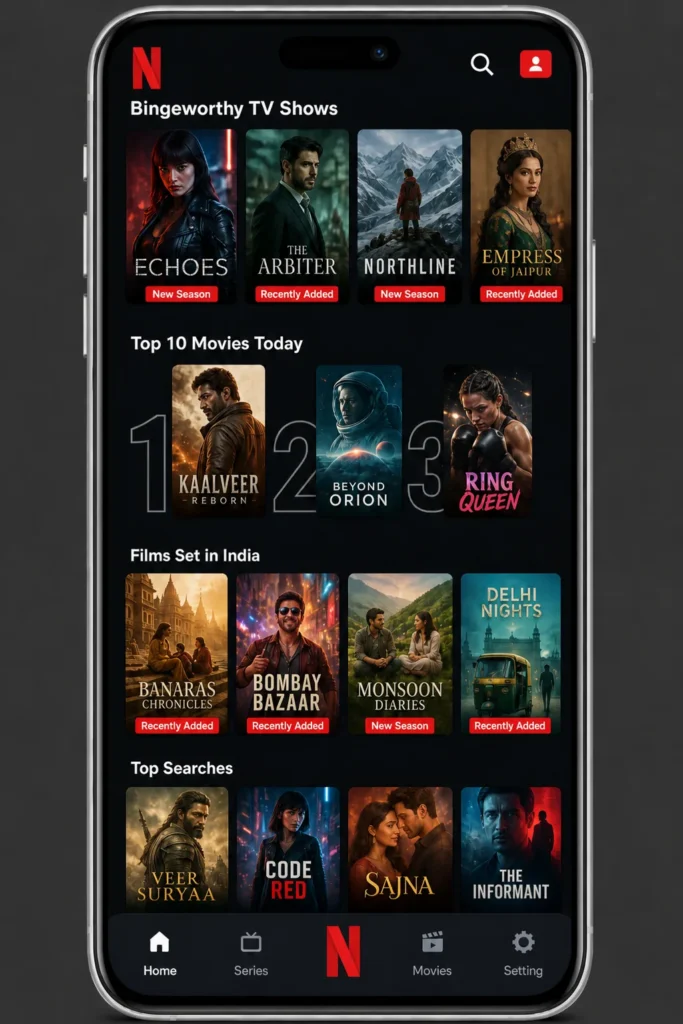
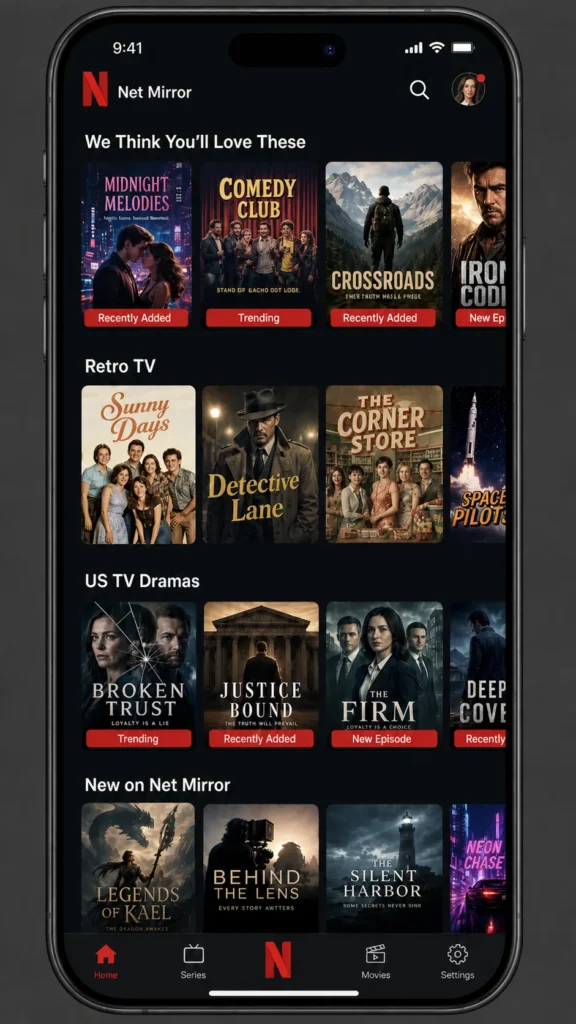
No Login Required
One of the best features of NetMirror is that it doesn’t require any login or subscription. Just open the app, choose what you want to watch, and start enjoying without any hassle.
Vast Content Library
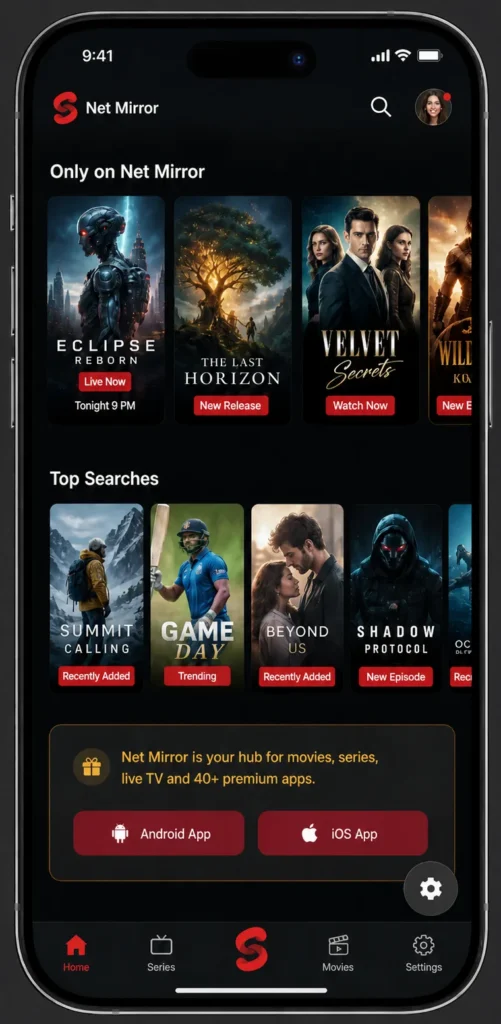
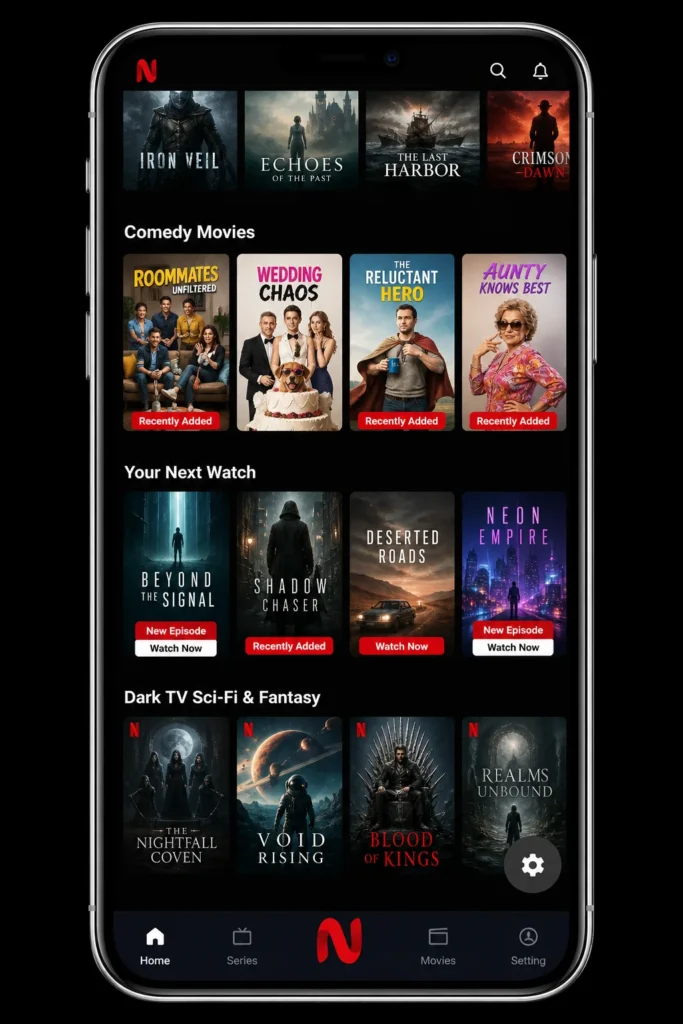
With NetMirror APK, the entertainment options are endless. It provides a huge library of movies, TV shows, and web series from top platforms, all in one place. There’s something for everyone!
Lightweight App
NetMirror is a lightweight app that takes up very little space on your device and works smoothly without slowing it down.
How to Use the NetMirror App: Tips and Tricks
Using the NetMirror APK is easy and straightforward, thanks to its simple design and smart controls. To make the most of your streaming experience, check out these useful tips:
Browse Categories Easily
Explore trending movies, TV shows, and web series by browsing through neatly organized categories. NetMirror makes it easy to find what you’re looking for quickly.
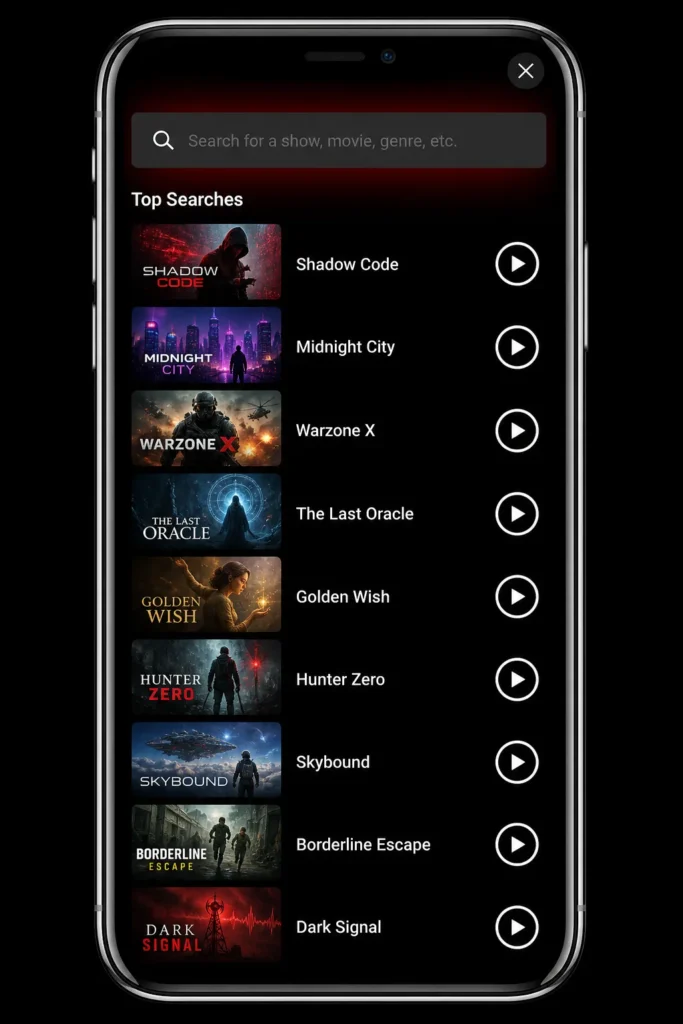
Use the Search Bar
Simply type the name of the movie or show you want to watch in the search bar, and get results instantly. This saves you time and helps you find exactly what you’re looking for.
Watch in HD Quality
Enjoy a smooth, cinematic experience with high-definition streaming. NetMirror guarantees clear, high-quality video without any ads getting in the way.
Stream on Any Device
No matter if you’re using an Android phone, iOS, PC, or Smart TV, NetMirror supports all major platforms for seamless streaming anywhere, anytime.
Save Your Favorites
Bookmark your favorite movies or TV shows to watch later. This feature keeps your top picks saved in one place, making it easy to find them when you’re ready to watch.
Pros and Cons of the NetMirror APK
Like any app, NetMirror has its strengths and some limitations. Here’s a breakdown to help you decide if it’s the right choice for you:
Pros
- NetMirror is a great alternative to expensive streaming apps like Netflix. Unlike the paid version of Netflix, which has ads, the free version of NetMirror lets you watch full movies and shows without any interruptions from ads.
- The app has a similar look and feel to Netflix, with features like movie cards, a built-in media player, and profiles that give you a premium streaming experience at no cost.
- Some users worry that the app may have hidden charges since it’s free, but there are no in-app purchases or hidden costs. It’s completely free to use.
- The APK file is only 6.1 MB in size, which means it takes up much less space on your device compared to the official Netflix app (85% less storage space).
- You can use NetMirror on a variety of devices, including Android phones, Smart TVs, Android TV, PCs, iPhones, and TV boxes.
- The app offers premium features without any extra charges.
- It has a user-friendly interface and gets daily content updates, so there’s always something new to watch.
Cons
- No official customer support.
- There may be legal concerns about streaming unauthorized content.
- Unlike the official Netflix app, NetMirror does not have parental controls and doesn’t allow users to create separate profiles for children.
Netmirror vs Other Streaming Apps
Here’s a comparison between the Netmirror vs Other Streaming Apps:
NetMirror Alternative Apps
If Net Mirror is unavailable or not working for you, here are some alternative entertainment apps to consider:
Netflix
Netflix is one of the leading streaming platforms, offering a huge selection of movies, TV shows, and original content. It’s a great choice for premium entertainment, with something for everyone.
Pluto TV
Pluto TV is a free streaming service that offers live TV, movies, and on-demand content. It’s a great option for users looking for a variety of content without paying any subscription fees.

Stremio
Stremio is a platform that lets you organize and stream content from different sources. It’s often used when NetMirror isn’t working, as it brings together multiple streaming options in one app.
Common Issues With Troubleshooting Tips
Here are some useful tips to fix common problems you might face while using NetMirror:
Taking Too Long to Load Videos
Streaming videos requires a fast internet connection. If your internet is slow, videos may take longer to load or buffer. This can also happen if many people are using the app at once. To solve this, make sure your internet connection is fast and try using the app during off-peak hours when fewer people are online.
Unable to Stream a Video
If a video isn’t playing, click on it and tap the report option next to the share icon. Select the type of issue you’re facing and submit the report. The app’s development team will likely fix it within 48 hours.
App Crashes While Watching Movie
App crashes are often caused by small glitches. NetMirror also saves cache files, and old or corrupted cache files can cause issues. To fix this, go to your app settings and clear the cache. This will remove old files and help improve the app’s performance.
Quickly Draining Mobile Battery
If your phone’s battery drains quickly while using NetMirror, it could be due to streaming in high resolutions like 1080p or 4K. These require more processing power, which uses more battery. Try lowering the video quality to save battery. Subtitle Not Syncing
If subtitles are out of sync with the video, you can adjust their timing. The latest version of NetMirror allows you to manually adjust subtitle timing in the media player settings to fix the delay.
How to Download and Install the NetMirror APK
Follow these steps to download and install the NetMirror APK on your device:
Downloading on Android
Click the download button on our website.
Find the downloaded APK file in your device’s “Downloads” folder.
Go to Android “Settings” > “Security” and enable “Unknown Sources.”
Tap the APK file to start the installation.
After installation, open the app and start exploring.
Note: Make sure “Unknown Sources” is enabled for a successful installation.
Using NetMirror on PC
No Installation Required: NetMirror works directly on your PC without needing to install any software or emulator.
Access via Browser: Open your web browser and visit the official NetMirror website.
Instant Connection: Connect your mobile device or stream content right away without any setup.
Enjoy Seamless Performance: Experience smooth streaming and mirroring directly from your browser.
Note: NetMirror runs online, making it quicker and easier to use than emulator-based apps.
How to Download & Install NetMirror for Android TV
1: Go to Settings on your Android TV, then go to Security & Restrictions, and enable Unknown Sources.
2: Use a computer or mobile device to download the NetMirror APK file.
3: Save the APK file to a USB drive or upload it to a cloud service like Google Drive.
4: Plug the USB drive into your Android TV or access the file through the cloud storage app on your TV.
5: Using the file manager on your Android TV, find the APK file on the USB or cloud storage and select it.
6: After installation, find the NetMirror APK in your app menu.
7: Open the app to start streaming your favorite shows and movies.
Frequently Asked Questions
Final Words
NetMirror is compatible with a wide variety of Smart TV devices, including Fire TV Stick, Android TV, and Google TV. While it works smoothly on most devices, it may not be supported on some older models like certain LG or Samsung TVs. The best part is, the NetMirror app is completely free, giving you access to a vast collection of newly released movies, TV shows, and series, all in stunning 1080p resolution. So, if you’re ready for endless entertainment, simply click the download button, install the app on your Android TV, and start watching your favorite content for free. It’s that simple!